How to Automate Business Processes: A Step-by-Step Guide

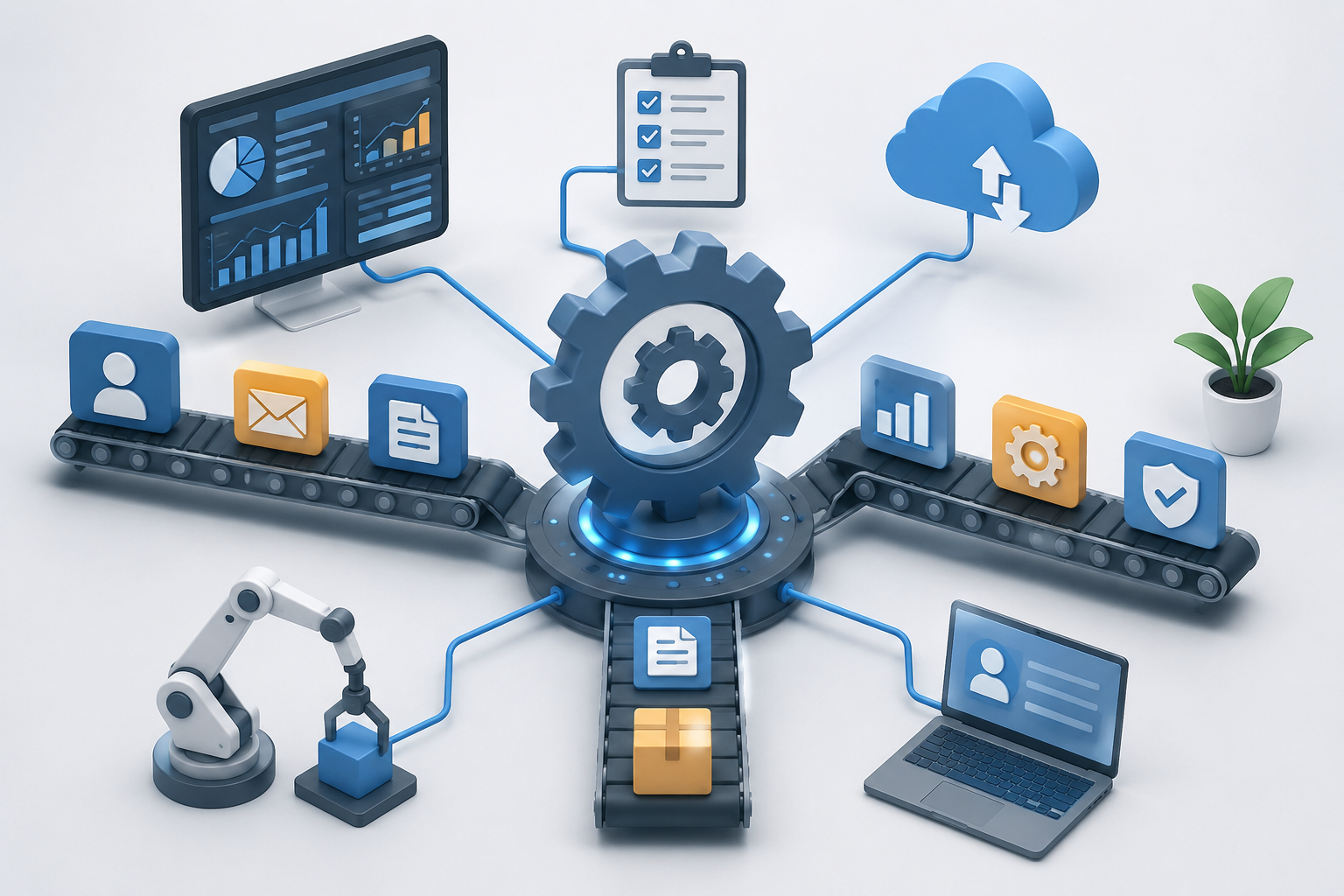
A practical breakdown of what business process automation is, how it works, and real examples businesses use to cut manual work.
Teams that are still copying data between spreadsheets, manually approving invoices one by one, or chasing down the same status update every week already know the cost of doing things by hand. Business process automation company is the discipline built to fix exactly that. It is not a buzzword. It is a practical way to take repetitive, rule-based work off a team's plate so people can spend time on decisions that actually need a human.
This breakdown covers what business process automation really means, how it works in practice, where it differs from related terms like workflow automation and RPA, real examples across industries, and how to know if a business is ready for it.
What Business Process Automation Actually Means
Business process automation, often shortened to BPA, is the use of technology to complete multi-step business processes with little or no manual intervention. Instead of a person moving a task from one system to another, checking a box, or sending a follow-up email, software handles it based on rules, triggers, and integrations set up once in advance.
A “process” in this context usually spans more than one task. Onboarding a new employee, processing a purchase order, routing a support ticket, or reconciling monthly invoices all involve several steps across different tools and, often, different departments. Business process automation connects those steps into a single automated flow instead of a chain of manual handoffs.
This is different from simply buying software. A company can have ten different tools and still run every process manually between them. Automation is what removes the human “glue” holding those tools together and replaces it with logic that runs on its own.
How to Automate Business Processes: Step by Step
A well-built automation follows a consistent pattern, regardless of the industry:
Identify the Trigger: something starts the process. A new order comes in, a form is submitted, an invoice arrives in an inbox, or a customer books an appointment.
Define the Rules and Logic: the system checks conditions, such as whether the order value is above a threshold, whether the invoice matches the purchase order, or whether the customer is a returning client.
Automate the Action: based on those rules, the system does something. It routes the request, updates a record, sends a notification, generates a document, or kicks off the next step in the chain.
Set the Hand-Off Point: the process either finishes automatically or routes to a person only when human judgment is genuinely needed, such as approving a large refund or reviewing an exception.
The goal is not to remove people from the process entirely. It is to remove people from the parts of the process that do not need a person, so the parts that do need one get faster, more accurate attention.
Business Process Automation vs. Workflow Automation vs. RPA
These three terms get used interchangeably, but they are not the same thing, and understanding the difference matters when planning a project.
Workflow automation typically refers to automating a single task or a short sequence, like auto-assigning a support ticket to the right team.
Robotic process automation (RPA) uses software “bots” to mimic what a human would do inside an existing interface, such as clicking through a legacy system to copy data.
Business process automation is broader. It looks at an entire end-to-end process, across multiple systems and teams, and redesigns how that process runs, often using APIs, integrations, and AI rather than just interface-level bots.
In practice, BPA often includes elements of both. It might use RPA for a legacy system that has no modern API, workflow automation for internal approvals, and AI for tasks that require judgment, like reading and categorizing an incoming document.
Real Examples of Business Operations Automation
Abstract definitions only go so far. Here is what business process automation company looks like in day-to-day operations:
Invoice and accounts payable processing: invoices are automatically captured, matched against purchase orders, and routed for approval only when something does not match.
Employee onboarding: HR, IT, and payroll systems are triggered from a single new-hire form, provisioning accounts, generating documents, and scheduling training without manual follow-up.
Order and fulfillment management: a retail or hospitality business automatically routes orders from an app or POS system to fulfillment, inventory, and loyalty tracking, without staff re-entering data across platforms. This is close to what a white-label ordering platform does for multi-location retail brands, connecting ordering, loyalty, and operations into one automated system.
Appointment scheduling and confirmation: service businesses use an AI booking agent to handle scheduling, confirmations, and reminders without a staff member manually managing a calendar.
Lead routing and follow-up: incoming leads are automatically scored, assigned, and followed up with, which is part of why more sales teams are asking whether they need an AI lead conversion platform.
Benefits of Automating Business Processes
Businesses that automate core processes typically see gains in a few consistent areas:
Fewer manual errors. Rule-based systems do not mistype a number or forget a step.
Faster turnaround. Processes that took days because they waited in someone's inbox now run in minutes.
Lower operating cost. Staff time shifts away from repetitive data entry toward higher-value work.
Better visibility. Automated processes generate a clean audit trail, making it easy to see exactly where a request is at any moment.
Easier scaling. A process that is automated can handle 10 times the volume without needing 10 times the staff.
These benefits compound when automation is paired with good reporting. Many businesses connect their automated workflows to data and AI analytics so leadership can see process performance in real time, not just anecdotally.
Signs a Business Is Ready for Business Process Automation
A process is usually a strong automation candidate if it meets most of these criteria:
It happens often, not once a year.
It follows clear, repeatable rules most of the time.
It involves moving information between two or more systems.
It currently depends on someone remembering to do it.
Errors or delays in it are costly or visible to customers.
If a process changes constantly, requires heavy judgment, or only happens occasionally, it may not be worth automating yet. Part of a good automation strategy is knowing what not to automate.
Common Business Process Automation Systems and Tools
Modern BPA rarely relies on a single tool. A typical stack includes:
Integration and workflow platforms that connect apps and trigger actions between them.
RPA tools for legacy systems without modern APIs.
AI agents that can read documents, answer questions, or make judgment-based decisions inside a workflow, similar to the shift covered in the rise of AI agents in business operations.
CRMs and ERPs as the system of record the automation reads from and writes to.
Analytics layers that report on how the automated process is performing over time.
The right combination depends entirely on what systems a business already runs and what the process actually needs, which is why most successful automation projects start with a process audit rather than a tool purchase.
How to Choose a Business Process Automation Company
Businesses evaluating outside help instead of building automation in-house should look for a team that:
Starts by mapping the process, not by pitching a specific tool.
Has direct experience automating similar processes, whether that is finance, healthcare, retail, or manufacturing.
Can combine integrations, RPA, and AI rather than defaulting to one approach for every problem.
Builds automations the internal team can actually maintain, with clear documentation.
Treats automation as an ongoing system, not a one-time project, with monitoring after launch.
Business Operations Automation vs. Business Process Automation
"Business operations automation" and "business process automation" get used interchangeably, and for good reason: they describe the same discipline, just at different scopes. Business process automation usually refers to automating a single, well-defined workflow, such as invoice approvals or lead routing. Business operations automation is the broader umbrella, covering how automation connects across multiple processes and departments to run the business as a whole. In practice, most teams start with process-level automation and grow into operations-level automation as more workflows get connected.
Final Thoughts
Business process automation is not about replacing a team. It is about giving people back the hours they currently spend on repetitive, rule-based work so that time goes toward decisions, customers, and growth instead. The businesses that get the most out of it usually start small, automate one clearly defined process end to end, measure the result, and expand from there rather than trying to automate everything at once.
For a business whose manual processes are causing slowdowns, the first step is usually a short audit of where time is actually going. Enorness helps businesses build business process automation systems suited to their specific workflows.
Frequently Asked Questions
What is business process automation in simple terms?
It is using software to complete a multi-step business task automatically, based on rules set once in advance, instead of a person doing each step by hand.
Is business process automation the same as AI?
No. Business process automation can run on simple rules with no AI involved. AI is often added to handle steps that require judgment, like reading a document or answering a question, but it is not required for basic automation.
How much does business process automation cost?
Cost depends on how many processes are automated and how complex they are. A single well-defined process is far less expensive to automate than a full department overhaul, which is why most projects start with one or two high-impact processes first.
What business processes should I automate first?
The best starting points are processes that are frequent, rule-based, and currently prone to delay or error, such as invoice approvals, lead routing, or appointment scheduling.
Can small businesses use business process automation?
Yes. Business process automation for small business often has the fastest payoff, since a small team feels the cost of manual work more directly than a large one with dedicated staff for each task.

Written by
Admin




Let's Build Something Extraordinary
Turn ideas into intelligent products that drive real business results.