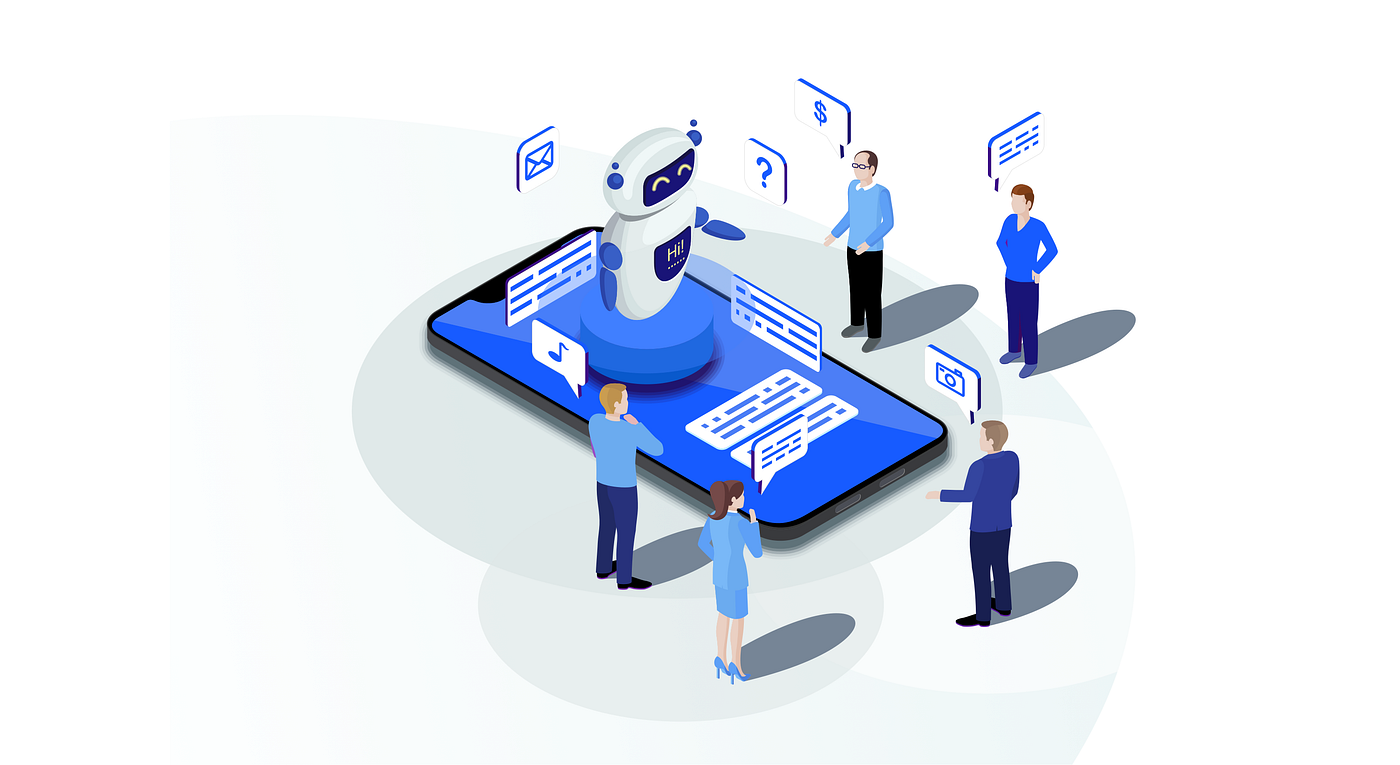
As businesses scale, managing customer interactions across multiple channels becomes increasingly complex. Sales teams need context, support teams need history, and marketing teams need behavioral data all in real time. This is where chatbot integration with CRM systems plays a critical role. By connecting conversational AI with customer relationship management platforms, organizations can centralize data, automate workflows, and deliver consistent, personalized customer experiences.
This blog provides a comprehensive, experience-driven guide to chatbot–CRM integration, covering practical steps, measurable benefits, and real-world challenges businesses should anticipate before implementation.
Before diving into processes and outcomes, it’s important to clarify what chatbot–CRM integration actually means in a business environment.
Chatbot integration with CRM refers to connecting an AI-powered chatbot (website, mobile app development, WhatsApp, or social platforms) with a CRM system such as Salesforce, HubSpot, Zoho, or Microsoft Dynamics. This integration enables the chatbot to read from and write to CRM records, ensuring every customer interaction is captured, contextualized, and actionable.
At a functional level, this integration allows chatbots to:
In real-world implementations, this eliminates data silos. Instead of chats living separately in chat tools and customer data residing only in CRMs, both systems operate as a unified customer intelligence layer.
Successful chatbot–CRM integration is not a plug-and-play task. It requires structured planning, clear objectives, and technical alignment between systems.
Before selecting tools or writing a single line of code, organizations must clarify why they are integrating a chatbot with their CRM.
Common CRM-linked chatbot use cases include:
From experience, integrations fail when businesses attempt to “do everything” at once. Mature implementations focus on one or two high-impact workflows, validate results, and then expand.
A clear objective such as reducing manual data entry for sales teams or improving first-response time in support guides technical decisions and success metrics later.
Once objectives are defined, platform compatibility becomes critical.
Most modern CRMs offer APIs or native integrations, but not all chatbots support deep CRM interaction. When evaluating tools, businesses should verify:
For example, enterprise CRMs like Salesforce support advanced object mapping, while SMB-focused CRMs like HubSpot offer easier setup but fewer customization layers. The chatbot platform must align with these capabilities.
From a technical standpoint, bidirectional data flow is essential. If a chatbot can only push data into CRM but cannot fetch context, personalization suffers.
This is where most integrations succeed or fail.
Data mapping defines how chatbot inputs align with CRM fields. For instance:
Alongside mapping, conversation logic must be designed to collect only necessary data. Overloading users with questions reduces engagement and data accuracy.
Experienced teams use:
A well-designed flow ensures CRM data remains clean, structured, and usable for downstream teams.
After design approval, the technical integration begins.
There are three common implementation approaches:
For simple lead capture, middleware may suffice. However, businesses with custom pipelines, multiple objects, or high data volumes often require custom API-based integrations for performance and control.
Security best practices must be followed:
From an operational perspective, staging and testing environments should be used before production rollout to avoid corrupting live CRM data.
Integration is not a one-time task it’s an ongoing process.
Before launch, teams should test:
Post-launch, performance metrics such as lead quality, response time, and data completeness should be monitored. Mature organizations run A/B tests on chatbot flows and adjust CRM triggers based on real user behavior.
Continuous optimization ensures the integration evolves with business needs rather than becoming a static system.
When implemented correctly, chatbot–CRM integration delivers tangible business outcomes across sales, support, and marketing functions.
One of the most immediate benefits is automated lead handling.
Chatbots can qualify leads in real time using predefined criteria such as budget, intent, or company size. These leads are then pushed directly into the CRM with structured metadata, eliminating manual entry and follow-up delays.
In practical sales environments, this means:
Sales teams receive enriched leads rather than raw contact details, allowing them to focus on closing rather than data cleanup.
For support teams, CRM-integrated chatbots act as a frontline triage system.
Chatbots can:
This reduces average handling time and prevents customers from repeating information. In high-volume environments, even small efficiency gains translate into significant cost savings and improved customer satisfaction scores.
One of the biggest operational advantages is data centralization.
Every chat interaction whether it’s a sales inquiry, support request, or feedback is stored against the customer’s CRM profile. This creates a unified customer timeline accessible to all teams.
From experience, this shared visibility:
When marketing, sales, and support work from the same data source, customer experiences become more cohesive and personalized.
Contrary to common concerns, automation does not eliminate personalization it enables it at scale.
CRM-integrated chatbots can personalize conversations using:
This allows businesses to serve thousands of users simultaneously while maintaining relevance. As customer bases grow, this scalability becomes a competitive advantage rather than an operational burden.
Despite its benefits, chatbot–CRM integration presents technical and organizational challenges that must be addressed proactively.
Poorly designed integrations often introduce inconsistent or duplicate data into CRMs.
Common issues include:
These problems reduce CRM reliability and erode trust among internal teams. Preventing them requires strict validation rules, unique identifiers, and regular data audits.
As workflows become more advanced, integration complexity increases.
Custom APIs, multiple chat channels, and CRM custom objects require ongoing maintenance. CRM updates, API version changes, or chatbot platform upgrades can break integrations if not monitored.
Experienced teams allocate ownership for:
Without clear accountability, integrations degrade over time and become liabilities instead of assets.
Chatbots often handle sensitive customer data such as contact details, order information, or support issues.
Integrating this data with CRM systems introduces security and compliance risks, particularly in regulated industries. Businesses must ensure:
Security should be treated as a design requirement, not an afterthought.
Technology alone does not guarantee success.
Sales and support teams must trust and adopt the system. If chatbot-generated leads are low quality or CRM records are unreliable, teams will revert to manual processes.
Successful organizations invest in:
This alignment ensures the integration delivers value beyond technical implementation.
Based on real-world implementations, several best practices consistently lead to better outcomes.
Start small with focused use cases, ensure clean data design, and involve end users early. Choose platforms with long-term scalability, not just short-term convenience. Most importantly, treat chatbot–CRM integration as a strategic capability, not just a technical feature.
When built thoughtfully, it becomes a foundation for intelligent automation, customer-centric operations, and sustainable business growth.
Chatbot integration with CRM is no longer optional for businesses aiming to deliver modern, data-driven customer experiences. While the implementation requires planning, technical expertise, and ongoing optimization, the benefits automation, visibility, scalability, and personalization—far outweigh the challenges.
Organizations that approach this integration strategically, with a focus on real workflows and measurable outcomes, position themselves for long-term operational efficiency and stronger customer relationships.
1. How long does it take to integrate a chatbot with a CRM system?
Basic integrations can take a few days, while custom or enterprise-level integrations may take several weeks, depending on complexity, data mapping, and testing requirements.
2. Can one chatbot be integrated with multiple CRM systems?
Yes, a single chatbot can connect to multiple CRMs using middleware or custom integration layers, though this increases setup and maintenance complexity.
3. What CRM data should not be shared with chatbots?
Sensitive data such as internal notes, financial records, and restricted fields should not be exposed. Chatbots should only access data necessary for their specific use cases.
4. How is ROI measured for chatbot–CRM integration?
ROI is measured through improved efficiency, higher lead conversions, reduced support costs, faster response times, and better CRM data accuracy.
5. Is chatbot–CRM integration suitable for small businesses?
Yes. Small businesses can start with simple integrations for lead capture and support automation, while scaling features as their needs grow.



Tell us about your project and we will handle the rest
