Server-Side Conversion Tracking: What a Browser Pixel Alone Misses

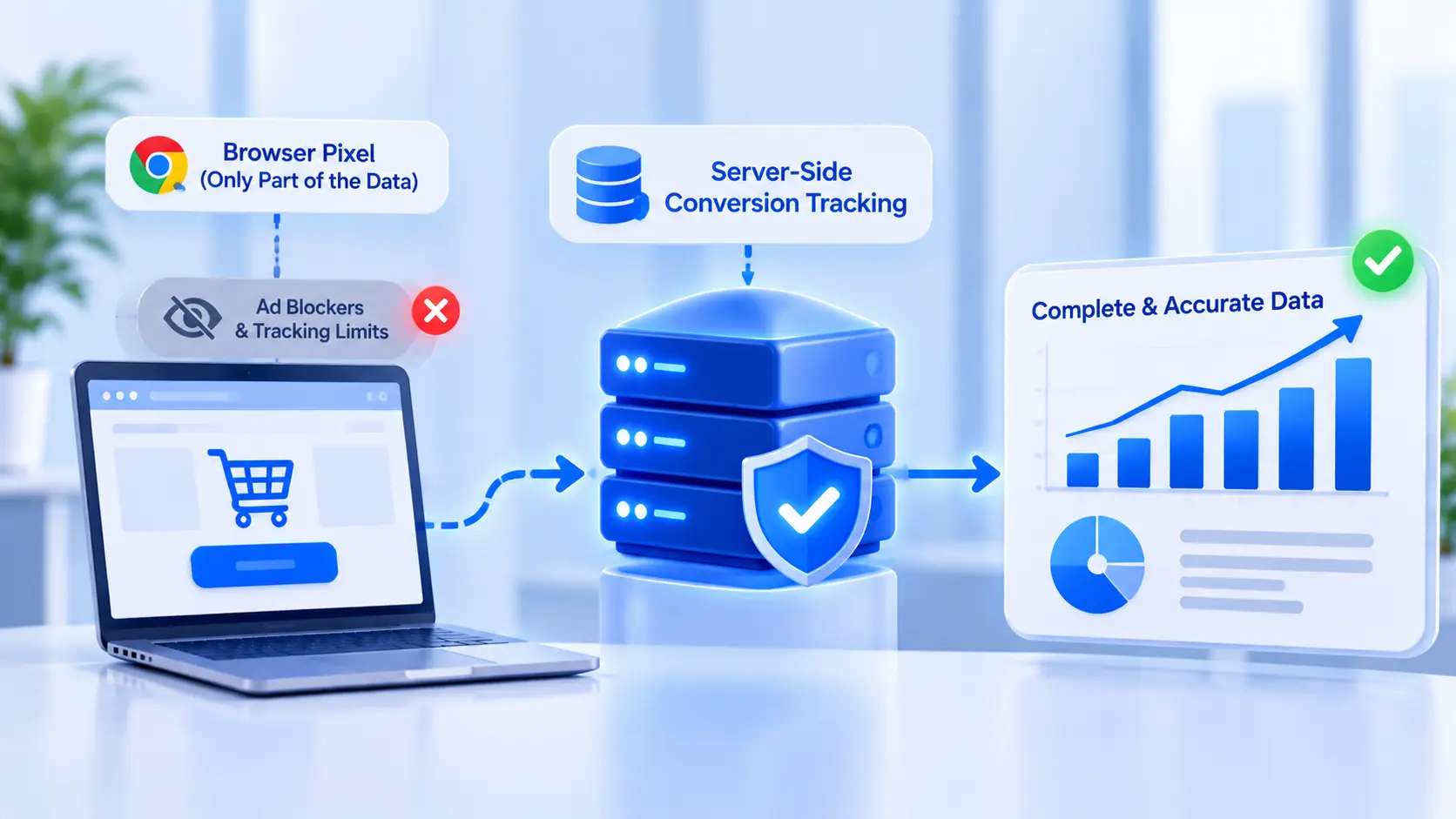
A browser pixel only sees what a browser lets it see. Here is what server-side conversion tracking adds on top of it, and what setting it up actually involves.
A Meta or Google pixel sitting in a website's code only knows what the browser is willing to tell it. Ad blockers strip it out before it fires. Safari limits how long a cookie survives, and Firefox blocks many trackers outright. A slow connection can mean the pixel never loads before someone leaves the page. None of that means the conversion did not happen, only that the ad platform never found out about it.
Server-side conversion tracking sends that same event from a server instead of a browser, which is why it shows up as the fix for ad accounts that look like they are underperforming when the real problem is underreporting.
What a Browser Pixel Actually Sees
A browser-side pixel fires from inside the page a visitor is looking at. It depends on JavaScript loading, the browser allowing third-party scripts to run, and a cookie surviving long enough to connect a click to a later purchase. Each of those is a point where the signal can drop.
iOS 14.5 and later versions require apps to ask permission before tracking across other apps and websites, and many people decline. Safari's Intelligent Tracking Prevention caps how long a first-party cookie set by a tracking script can last, sometimes to a single day. Browser extensions built to block ads block pixels along with them, since the two run on the same mechanism.
None of this is a flaw in the pixel itself. It is doing exactly what a browser-side script can do, which is less than it used to be able to do five years ago.
What Changes on the Server Side
A server-side setup sends the same conversion event, but from a server a business controls rather than from the visitor's browser. Meta's Conversions API, usually shortened to CAPI, and Google's server-side tagging both work this way: a purchase, a lead form submission, or a booking is captured where it actually happens, such as a CRM, a GoHighLevel automation, or an ecommerce platform's order webhook, and sent to the ad platform directly. This is the shift usually meant when people talk about conversion tracking for ads moving past the browser pixel.
This does not replace the browser pixel. The two are meant to run together. The pixel still catches what it can see in real time, and the server-side event fills in the conversions the pixel missed. Meta deduplicates using a shared event ID, and Google has its own matching rules, so the same conversion is not counted twice on either platform.
The Specific Things This Fixes
A handful of concrete problems trace back to browser-only tracking, and server-side tracking addresses each one directly.
Event match quality is the most immediate. Ad platforms match a reported conversion back to the person who clicked the ad using identifiers like email, phone number, and IP address. A server-side event can include more of these than a browser event typically can, which raises match quality and, with it, how reliably the platform's algorithm can optimize toward the people most likely to convert.
Attribution windows get more accurate as well. A purchase made three days after a click, on a different device than the one the ad was clicked on, is exactly the kind of conversion a cookie-based pixel is least likely to catch. A server-side event tied to a CRM record does not depend on the same device or the same cookie surviving that long.
Offline conversions are the clearest case. A lead that comes in through a form, gets qualified by a sales team, and closes two weeks later as a signed contract has no browser moment to fire a pixel at. The CRM record of that close can be sent as a server-side conversion instead, which is the only way that kind of conversion reaches the ad platform at all.
What Setting It Up Actually Involves
A CAPI setup, or the Google equivalent, is mostly two pieces of work: getting the event out of wherever it happens, and getting it into the ad platform in the format each platform expects.
Getting the event out usually means connecting a CRM or business process automation tool to the moment a conversion actually occurs, whether that is a form submission, a calendar booking, or an order confirmation. Platforms like GoHighLevel have a native integration for sending these events to Meta; a custom setup, or a direct connection to Google's side, instead sends the event through a webhook to a server endpoint built to receive it.
Getting it into the ad platform means mapping each event to the right standard event name (a lead, a purchase, a completed booking) and attaching the identifiers the platform uses for matching: a hashed email, a phone number, a browser ID when one is available. Meta's Events Manager and Google's tag diagnostics both show whether an event arrived, whether it matched, and what its match quality looks like once it is running.
The part that is easy to miss is testing before trusting the numbers. Both platforms provide a test environment, Meta's Test Events tool among them, built specifically to confirm an event fires correctly before it affects live reporting. Skipping that step is how a mapping mistake turns into weeks of bad data feeding decisions no one has reason to doubt, exactly the kind of problem data engineering work is meant to catch before it reaches a dashboard.
Why This Is Not a One-Time Fix
A server-side setup needs upkeep in the same way a pixel does. Access tokens expire. A CRM workflow gets edited and the webhook stops firing without anyone noticing until a reporting dashboard looks wrong. A platform updates its required event parameters and an older integration starts sending incomplete events that still look like they are working.
A business running paid ads at any meaningful spend is better served checking Events Manager or its platform's equivalent on a schedule, the same way it would check a bank statement, rather than only when a campaign's numbers start to look off.
Frequently Asked Questions
Does server-side tracking replace the pixel?
No. The two are built to run together. The pixel captures what it can see from the browser in real time, and the server-side event fills in the conversions the pixel missed. Meta deduplicates the overlap using a shared event ID, and Google has its own matching rules.
What affects how long a server-side tracking setup takes?
A single conversion event, such as one lead form tied to one CRM, is a smaller scope than a setup covering multiple conversion types across several platforms, which takes longer to map, test, and verify before the numbers can be trusted.
Is server-side tracking only for ecommerce?
No. It applies to any conversion that happens away from the ad click, which includes lead form submissions, calendar bookings, and sales that close well after the first visit, not only online purchases.
Does this work with GoHighLevel?
GoHighLevel has a native integration for sending events like form submissions and purchases to Meta through server-side tracking, which is one of the more direct paths into this for a business already using it as a CRM. Reaching Google's side the same way depends on the specific setup and is worth confirming with whoever manages it.
What is event match quality?
It is the score an ad platform assigns to how confidently it can match a reported conversion to the person who saw or clicked the ad, based on identifiers like email, phone number, and browser ID included with the event. Higher match quality generally means more reliable optimization.
What happens if a server-side integration breaks?
Conversions silently stop being reported even though sales or leads keep coming in, which usually shows up as a campaign that looks like it stopped working when the real issue is that the ad platform can no longer see what is happening.
Checking a Tracking Setup
A quick way to tell if this is worth doing is comparing the leads or sales a CRM shows for a given week against what the ad platform reports as conversions for the same period. A gap between the two is usually the signal. Enorness can be reached to talk through what a server-side setup would look like for a specific ad account and CRM combination.

Written by
Mark Louis




Let's Build Something Extraordinary
Turn ideas into intelligent products that drive real business results.