Cloud Migration: What to Check Before Moving Off On-Premise Servers

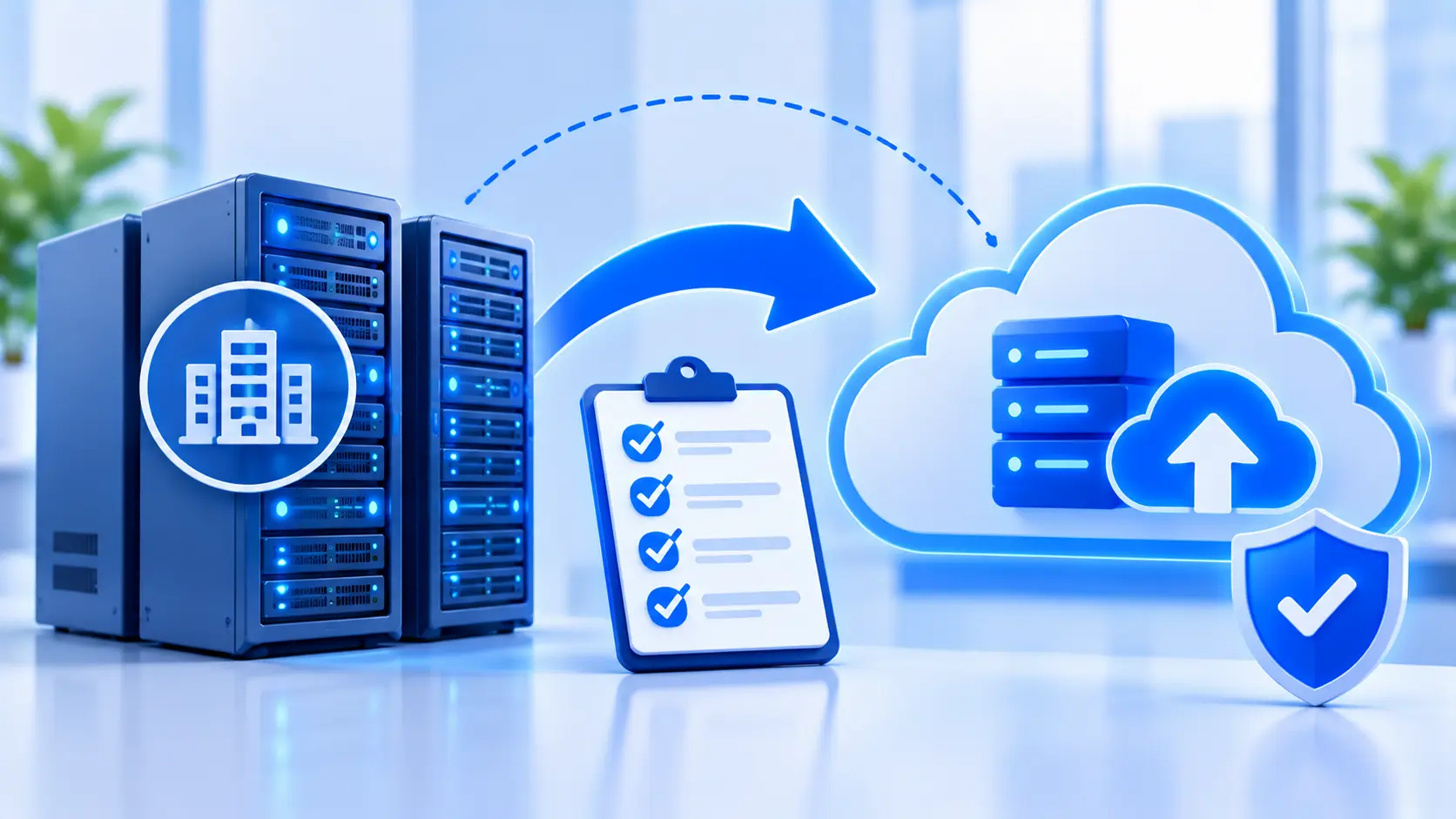
Moving off on-premise servers solves a real cost and scaling problem, but only if the move itself is planned. Here is the cloud migration checklist worth going through first.
A server sitting in a closet or a rented rack has a maintenance schedule attached to it whether anyone is tracking it or not. Hardware ages, warranties run out, and at some point someone has to decide whether to buy a replacement or move the workload somewhere else. An on-premise to cloud migration is usually the answer, but moving a workload without checking what actually depends on it first is how a planned move turns into an unplanned outage.
The decision to migrate is rarely the hard part. The hard part is the handful of checks that get skipped because the business is in a hurry to stop paying for aging hardware.
What On-Premise Actually Costs
The sticker price of a server is the smallest part of what it costs to keep running. Power and cooling run continuously whether the server is busy or idle. A hardware refresh cycle, commonly every three to five years, means the cost repeats on a schedule whether the business is ready for it or not. Someone has to patch the operating system, monitor disk failures, and be reachable when a drive fails at an inconvenient hour.
None of that shows up as a single line item, which is part of why on-premise infrastructure often looks cheaper than it actually is until someone adds up the maintenance time alongside the hardware cost.
The Checks That Matter Before Moving
A cloud migration checklist that skips straight to picking a cloud provider is missing the part of the work that actually prevents problems.
Mapping what depends on what comes first. A workload rarely runs alone: it reads from a database, writes to a shared folder, or talks to a billing system that assumes a specific network path. Moving the workload without mapping these connections is how a migration breaks something nobody remembered was connected. This is the same kind of mapping discipline used in data engineering.
Downtime tolerance needs an honest answer before a migration date gets picked. A system that can tolerate a scheduled hour of downtime at 2 a.m. migrates very differently from one that a business cannot afford to have down at all, which usually means running both systems in parallel for a period before cutting over.
Data residency and compliance requirements decide which regions and providers are even on the table before cost or performance enter the conversation. A business handling data with specific residency requirements has already narrowed its options before comparing a single price sheet.
Cost modeling deserves more scrutiny than it usually gets. Cloud pricing is not simply cheaper than on-premise; it shifts cost from a fixed hardware expense to a variable one tied to usage, data transfer, and how efficiently resources are sized. A workload that runs constantly at a steady load can cost more in the cloud than the same workload on owned hardware, depending on how it is provisioned.
Lift-and-Shift Versus Rebuilding
Migrations generally fall into one of two patterns. Lift-and-shift moves a workload to the cloud largely as it already runs, which is faster and lower risk but does not take advantage of what cloud infrastructure for business can actually offer, such as scaling resources up and down automatically with demand.
Rebuilding redesigns the workload to use cloud-native services directly, which takes longer and costs more upfront but tends to cost less to run and scale better once it is live. Neither pattern is correct by default. A workload nearing the end of its useful life is a poor candidate for a rebuild investment; a workload the business expects to grow for years is a poor candidate for a lift-and-shift that just moves the same limitations somewhere else.
Where DevOps Comes In After the Move
A migration that stops once the workload is running in the cloud has only finished half the job. DevOps for cloud migration covers the part that keeps it running well afterward: automated deployment pipelines so updates do not require someone manually copying files to a server, monitoring that catches a problem before a customer notices, and autoscaling rules so the infrastructure grows and shrinks with actual demand instead of sitting provisioned for a peak that happens twice a year.
Skipping this step is how a cloud migration ends up costing more than the on-premise setup it replaced: paying for cloud resources provisioned the same way the old servers were, without the automation that is the actual point of being there. A monitoring and deployment layer built around the new infrastructure, not the old habits around it, is the kind of ongoing work covered under business process automation.
Mistakes That Show Up After the Fact
Migrating everything at once is a common one. A phased migration, moving the lowest-risk workloads first, surfaces mapping mistakes and cost surprises on something that will not take down the business if it goes wrong, before doing the same with a system that matters more.
No rollback plan is the second. A migration that assumes success and has no path back to the old system if something breaks turns a bad week into a bad month. Keeping the old environment available, even in a reduced state, for a defined window after cutover is cheap insurance against a migration that does not go as planned.
Not monitoring cost after the move is the third, and the one that shows up slowest. A cloud bill that nobody checks for the first few months is how temporary test resources, oversized instances, and unused storage quietly become a permanent part of the monthly cost.
Frequently Asked Questions
Is cloud migration always cheaper than on-premise?
Not always. Cloud pricing shifts cost from fixed hardware to variable usage, which can cost less for a workload with uneven demand and more for one that runs constantly at a steady load, depending on how it is provisioned.
What affects how long a cloud migration takes?
Migrating a single, well-mapped workload is a smaller scope than migrating several interconnected systems at once, which takes longer to map, test in parallel, and cut over safely.
What is the difference between lift-and-shift and rebuilding?
Lift-and-shift moves a workload largely as it already runs, which is faster and lower risk. Rebuilding redesigns it around cloud-native services, which takes longer upfront but tends to scale and cost less to run afterward.
Does every workload need to move to the cloud at once?
No. A phased migration, starting with lower-risk workloads, is generally safer, since it surfaces mapping and cost issues before they affect a system the business depends on most.
What happens if a migrated workload has a problem no one anticipated?
A rollback plan, with the old environment kept available for a defined window after cutover, lets a business revert rather than troubleshoot a critical system live under pressure.
Does a migrated workload need DevOps automation?
It is what makes the migration pay off. Without automated deployment, monitoring, and autoscaling, a cloud environment often ends up running the same way the old servers did, which can cost more without delivering the scaling benefit that was the reason to move.
Working Through a Migration Plan
A dependency map and an honest downtime answer are the two things worth having before a migration date goes on a calendar. Enorness can be reached to talk through what a phased migration would look like for a specific setup.

Written by
Mark Louis




Let's Build Something Extraordinary
Turn ideas into intelligent products that drive real business results.